Read transcript
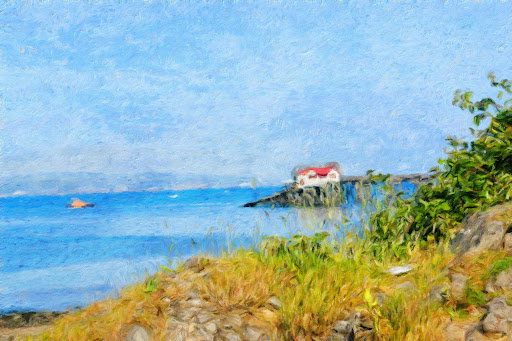
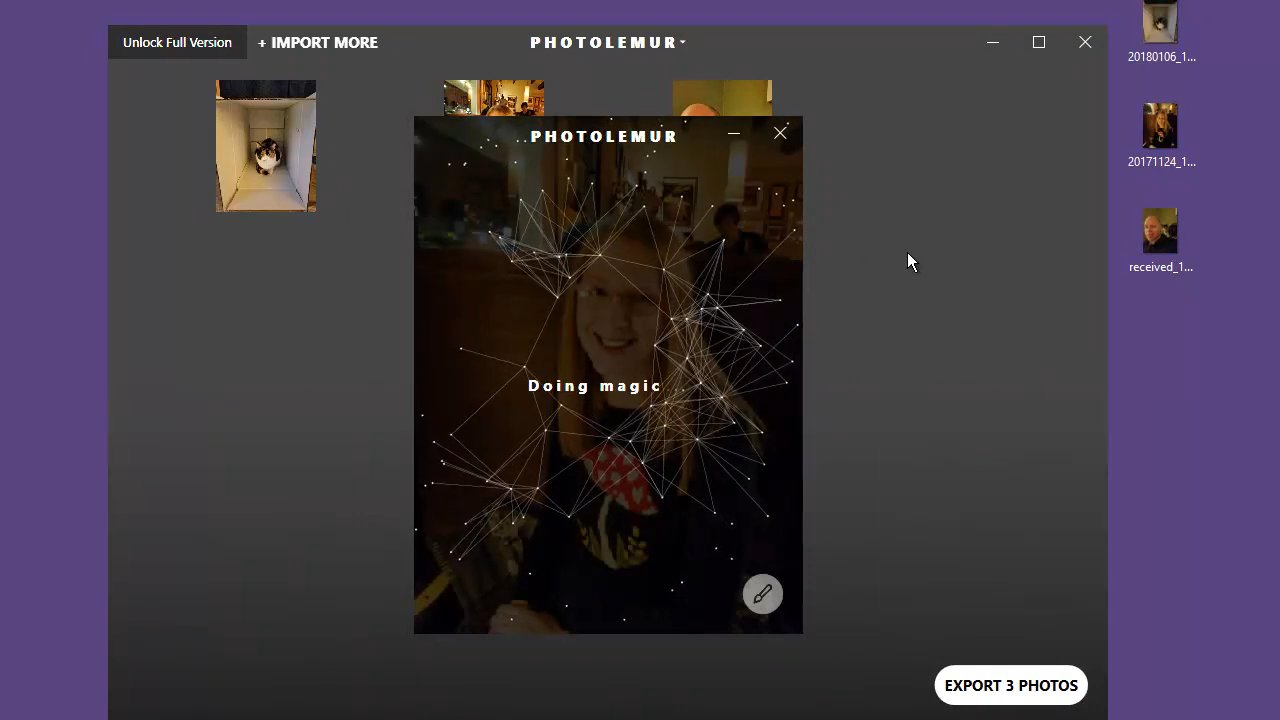
Hey, Pat Flanagan here with a demo of a new piece of software which is really cool. It's called photolemur. It automatically enhances your photos. Basically takes what would take you two to three minutes twiddling around with settings in Photoshop and messing around and going over and over and over with it and automates it. So this is photolemur running on my screen here. You can see that you can import pictures or you can drag photos right on. I have three pictures over here that I took with my phone. All three of them in kind of poor lighting. So we're going to see what photolemur can do to these. So we load in the three pictures and let's pick the first one. And you'll see Photo Lemur analyzes the picture and then the really cool thing that it does is once it's done with its analysis, you can drag a bar left and right and it shows you the before and after. So here we go. Here's the picture before with one of our cats in a box. And after. Look at that difference. Now it is grainy. All three of these photos are going to be grainy because they were taken with not the greatest light. But I'll show you here. This is fully boosted and that's where you can really see the graininess. If I click on this little paintbrush down here now, I can select how much enhancement I want, all the way from none to full. And if I put it about halfway, that looks really good. So here's original. Here's halfway. You can see a lot more detail in the cat's face and in the box. So then I can export that and save it and be ready to go. Let's try another picture here. This is my beautiful fiance taken at a restaurant where the light was not so great. It's doing its analysis and any moment here. There we are. So there's before, you can see it's a little bit washed out. And after it's over enhanced. So let's go into the paintbrush and bring it down to right about here. And that looks really good compared to the washed out original. It just boosts it up a little bit and makes it a lot more professional looking. Here's the last one. I'm going to demo picture of myself and the cat that was in the box earlier. Another one taken in poor light. So if we go before, here's a very washed out picture. And after it's over enhanced. But that's actually kind of a cool effect and I kind of like it. But if I go into the paintbrush, bring it to about halfway. That's a lot better. Here's before, here's after, and that's with no Photoshop work whatsoever. You can load batches of photos in and have it automatically do your enhancement for you. It's so simple and this is just a demo version. It's not even showing all of the features that the actual software has. So this is launching with a special launch price of course, and you get some bonuses built in, especially if you're early bird. And in there right at the start of the launch I'm going to add some additional bonuses which you can see if you scroll down the page here. So I hardly. I highly. Excuse me, I can't even talk. I highly advise you to pick up photolemur. If you do a lot of photo work it will definitely speed up your enhancement and make your photos in general look a lot better. So scroll down, check out the bonuses and pick up photolamber.
_rZ0kk9If6.png?updatedAt=1715347912023)


Read transcript
Hi, my name is Anthony Cooper and I'm an online course creator. I'm developing a course in the parenting niche and I've been a member of the VIP club for about two years. And I try to come back to it often because there's just so many resources available available for you. In fact, sometimes, you know, you find so many that it's just kind of like, overwhelming. And, you know, you got thousands of images here and different files and. But you can always find what you're looking for. I've used. I've downloaded stock images from one of their programs and I've used those in my social media. I've used those in my slides in my presentation, and they've been great. I've also also currently working on building an online directory. And so I went to the search bar and just put in the word Directory. And they have a PLR product which I think is called Directory Domination, but it's exactly the. It's exactly the. The information I product and it teaches you, obviously, you know, give you a lot of information on how to build a successful online directory business. I've also currently working through a course that they have in the. In the academy section that focuses on marketing online courses. So, you know, basically I've been using all the content here in the platform for myself. I know that a lot of the products are available for reselling and they come with reselling rights, and I know it can be a lucrative opportunity, but basically I've just been using for my. Myself and I'm very happy with the platform and I really thank everyone for putting all this together and making it available to us at such an awesome price, such a low price. Thank you very much.




![ሀበሾቹ [Habeshochu] avatar](https://cdn.senja.io/public/media/JaC02KgFpzoPp8aEA34TCnvA.png?width=84&height=84&format=webp)





Read transcript
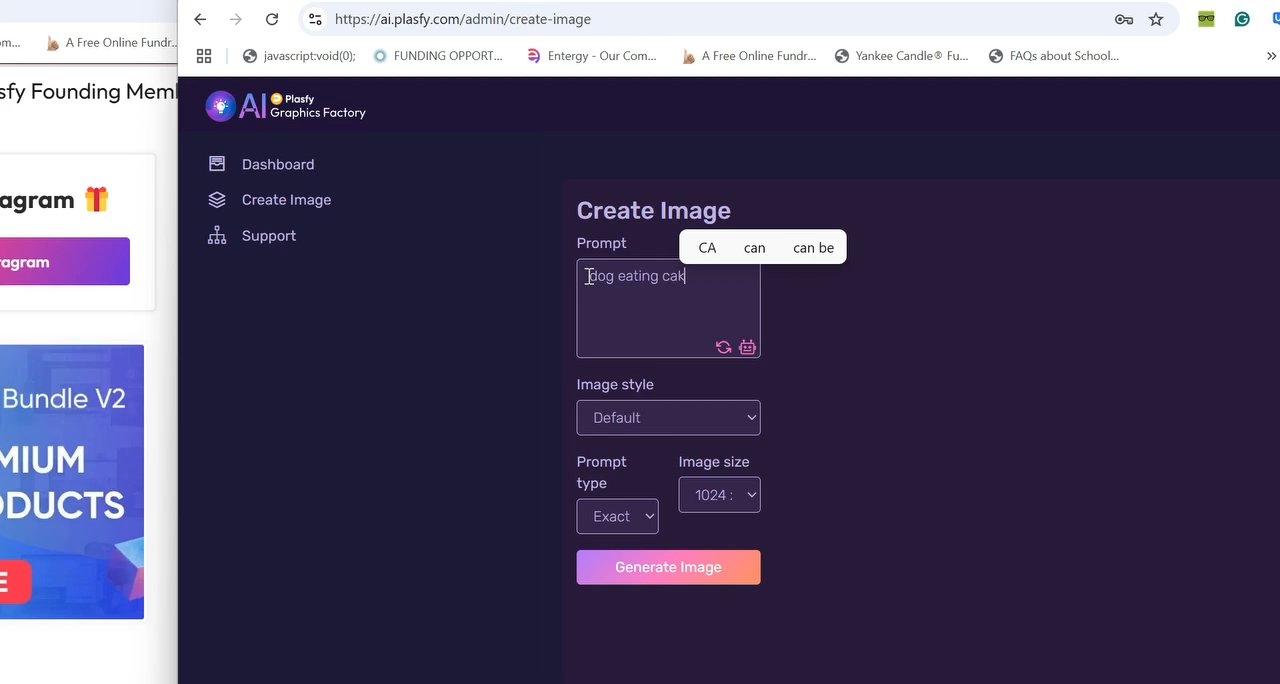
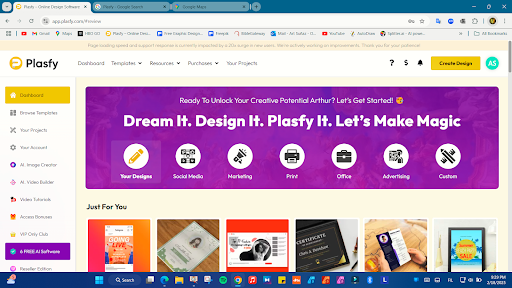
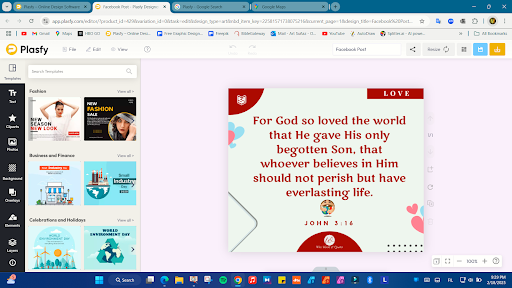
If you are a marketer like me, you probably use a platform called Canva. And I love that platform. But I found another platform called Placify. It does all the same things as Canva. But I want to talk to you about this platform because it goes one step further. When you purchase this platform, it comes with a ton of bonuses and it comes with over 30 bonuses. So I can't go through all of them. But I know a lot of you like to create images. And I'm gonna click on one of the main bonuses. I already have it up. I'm gonna pull it on over here. You can see one of the images it has is called the Graphic Factory. I know some of you use my job and this is similar to my job. And you can go and it's so easy. Created image. And it comes with the Plastify program. So it's great. Watch this dog eating cake. Tell it to generate the image. Look at it. Look at it. Tell me that's not a game changer. And the great thing about it is you can turn into a cartoon. Look at has so many things. Pop art, minimalist, all these things. And check this out. This all comes with the Classify program. And you get that Canva like product with all this extra stuff. Tell me this is not a game changer. Click on it. Check it out. That's all I'm gonna say to.





Read transcript
Hi, everyone. My name is Pedro. I am a Brazilian and I'm here to talk about +5. I am using this tool for three months, I guess, and it really helps me in my workflow. It is easy, it's full of resources, it's amazing, and somehow it's better than other tools I have found in the Internet. So I really recommend this tool because it's great for for a designer who wants to improve his work. And actually, I'm using Plus 5 almost every day. So I want to thank the team of developers and I am encourage everybody who wants to get a wonderful tool like this one. Thank you very much. You're amazing.